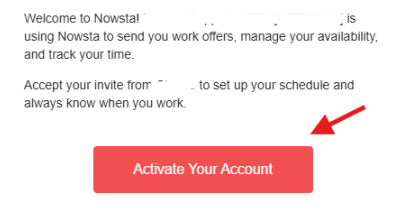
Open your invitation
Find your email from Nowsta and tap Activate Your Account.
START HERE
Complete these basics once, then use the rest of the guide whenever you need a quick answer.
THE THREE BASICS
YOUR READINESS
Same-day event question: call your Captain in Nowsta. Everything else: use the CG Staff Text Line.
GET CONNECTED
Find your email from Nowsta and tap Activate Your Account.
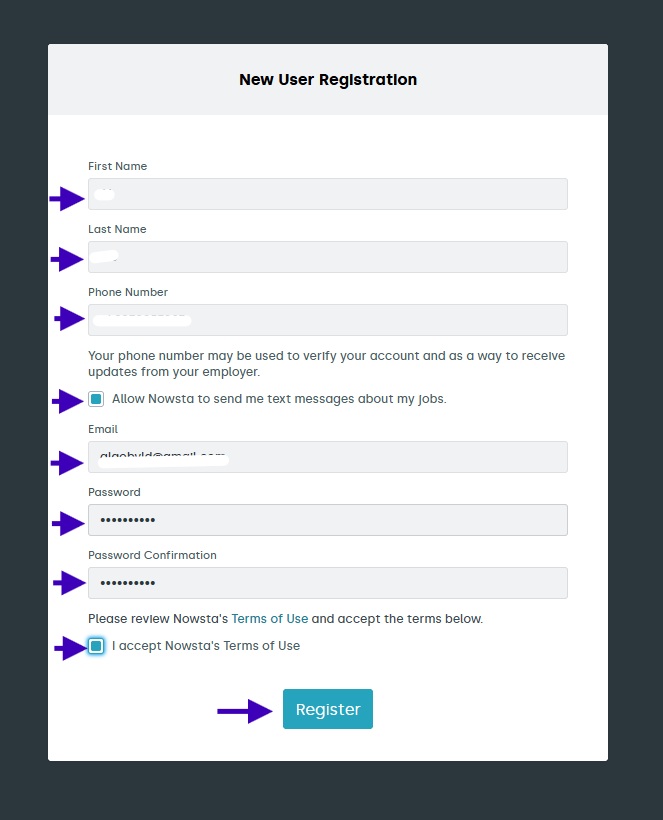
Confirm your details, choose a password, and complete registration.
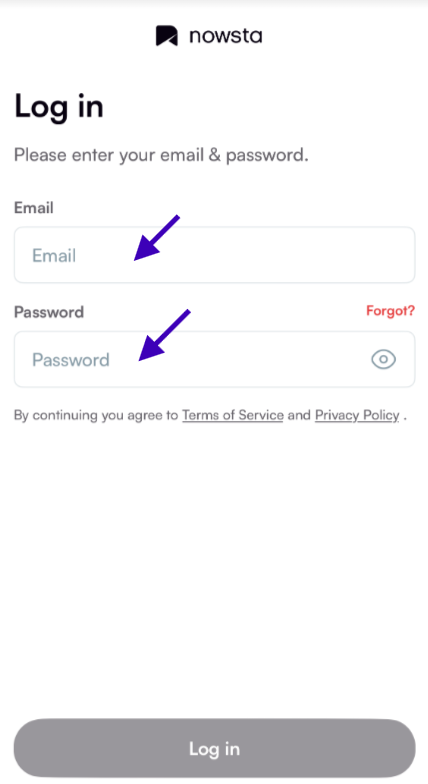
Install Nowsta: Workers and sign in using the same email and password. App Store · Google Play
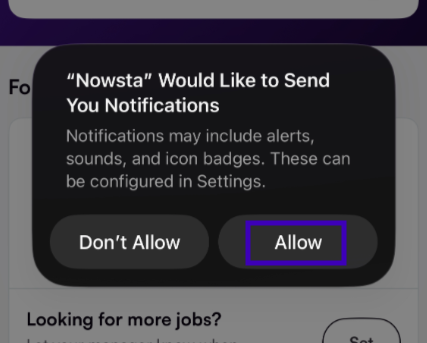
Allow notifications so you see requests and changes. Enable location access for clock-in at the venue.
Missing your invitation or having trouble logging in? Text the CG Staff Text Line.
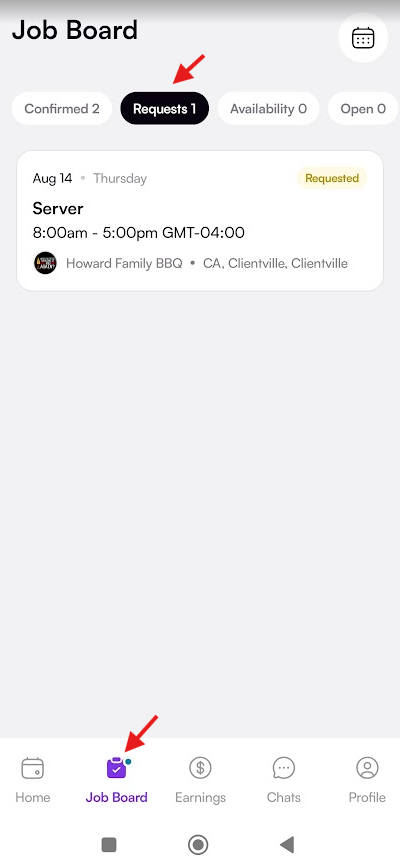
Go to Job Board → Requests. Open the job, read the details, then accept or decline.
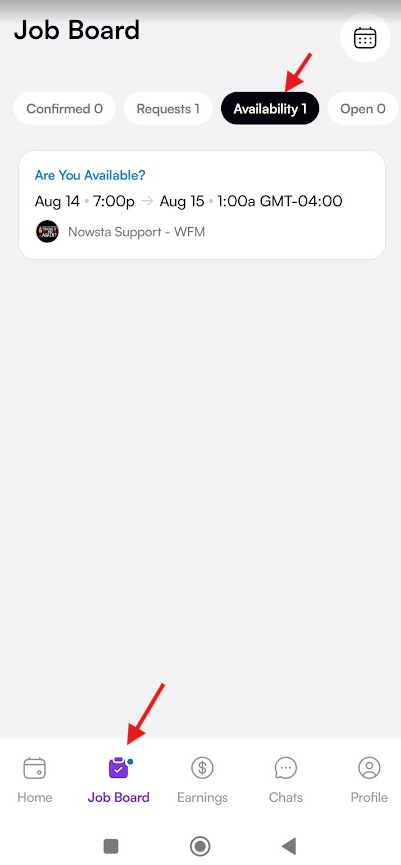
Reply when asked if you are available. An availability check is not a confirmed shift.
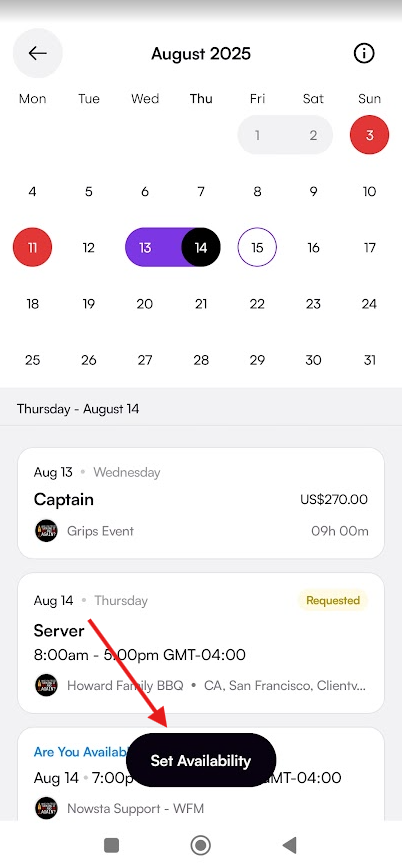
Tap the calendar icon from Home or Job Board to review your schedule.
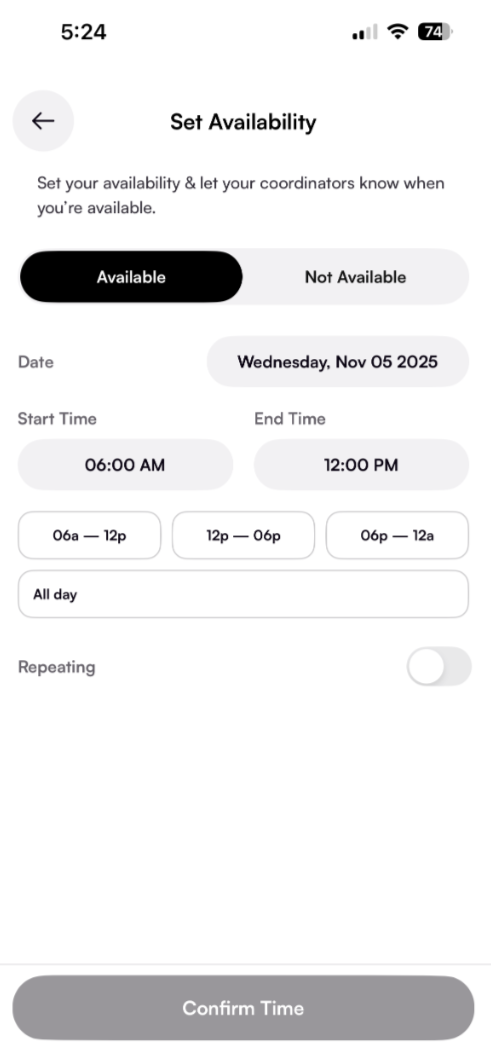
Choose available or unavailable, set dates and times, then confirm. CG uses availability checks occasionally.
Accepted a shift? See how to prepare for that event → · Nowsta help
BEFORE YOUR FIRST EVENT
Mark your own items complete. Save your progress to share it with Morgan and Tanner. Your unfinished selections stay on this device until you submit them.
KEEP GOING